A “VPN” with 70,000 users that is not a VPN
Three Chrome extensions borrow the names of ZenMate and ExpressVPN. They cannot route your traffic anywhere — they never ask for the permission that would let them. What they do instead is send the address of every page you look at to a third-party server, without encryption.
They never asked to be a VPN
A VPN extension has to declare the proxy permission. That declaration is what
Chrome uses to let an extension redirect your traffic, and without it no amount of code can
route anything anywhere. These three do not request it.
What they request is permission to read your browser tabs and to run on every website. That is all they need for what they actually do.
The buttons are advertising. “Get Free VPN” and “Hide My IP” do not turn anything on. They open the real vendor's website with a referral code attached, so the operator earns a commission if you subscribe. The extension is a billboard with a permission list.
The part that costs you something
Every time you open the popup, the extension reads the address of the page you are on and sends
it to a server the operator controls, so that it can display the panel you see below. The
address travels over plain http, not https.
That distinction is the whole issue. An unencrypted request is readable by anyone carrying it: the café Wi-Fi, the hotel network, the internet provider, anyone in between. A web address is rarely just a website name — it routinely contains document names, account identifiers, search terms and single-use links from your email.
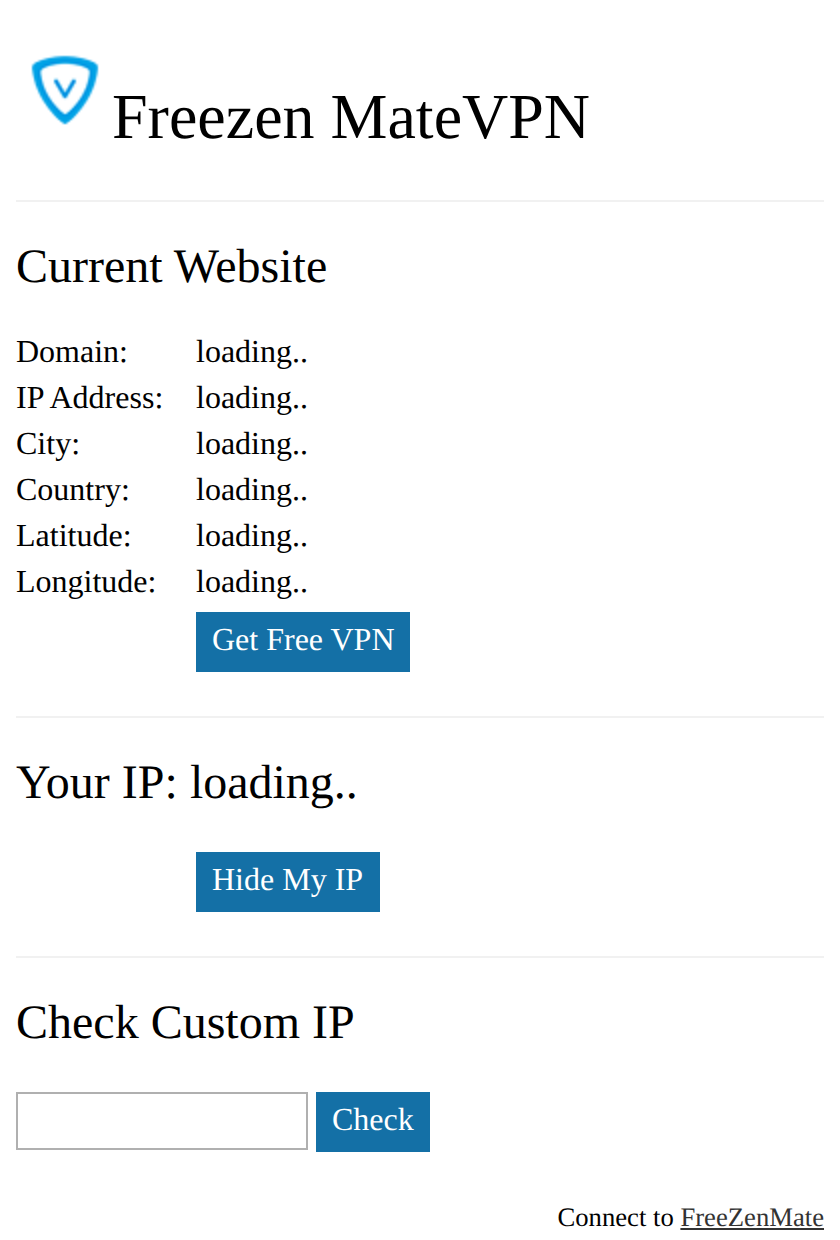
That “Current Website” panel is filled in by sending your current page address to the operator's server. The panel is the proof.
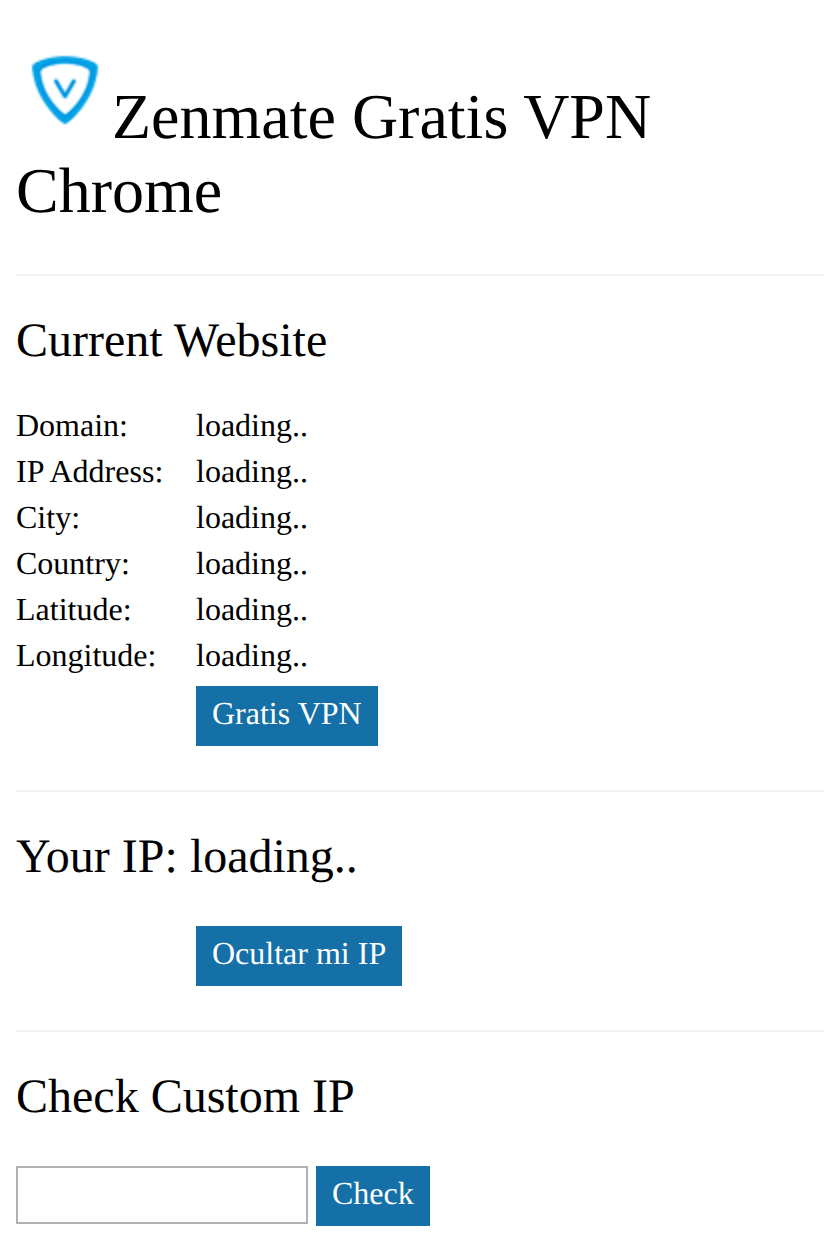
A different name over the same code.
A geolocation lookup does not need the page address — the server can see the visitor's own IP without being told anything. Sending the full URL is collection beyond the stated function.
Reading the names carefully
The names are built to survive a glance and to defeat a text search:
- “Freezen MateVPN” — read it again. It is Free + ZenMate, with the split moved one letter so the brand never appears as a word.
- “FreeexpressVPN” — Free welded onto ExpressVPN, with no space to give it away.
- “Zenmate Gratis VPN” — the only one that spells the brand outright.
All three ship the same code, and two of them point their referral links at two different companies. One operator, several borrowed reputations.
Why this passed automated review, including ours
We rate every extension in the store, and we rated these three benign. Nothing in them is hidden: there is no obfuscated code, no disguised download, no unusual permission. It is a short, readable script that makes one ordinary web request — which happens to carry your browsing address, over an unencrypted connection.
Scanners are built to notice concealment. Nothing here is concealed. We have since added a check specifically for a page address being transmitted without encryption, which is what separates this from the many legitimate extensions that read your tab for good reasons.
Worth doing if you have a free VPN extension installed
- Check whether it can be a VPN at all. On
chrome://extensions, open the extension's details. A real VPN will say it can “read and change all your data” and proxy your connection. If proxying is absent, it cannot protect anything. - Read the name slowly, letter by letter. These are designed to look right at speed. A word that is nearly a brand is usually deliberate.
- Confirm the publisher on the listing page and reach it from the vendor's own website rather than by searching the store.
- Treat “free VPN” as a business model question. Running VPN servers costs money. If the extension is free and shows no way of charging you, something else is paying for it — and in this case that something is your browsing history and a referral fee.
The extensions
edmnlkifbknbpkdlhmmhmhegdbacpfdg — “Zenmate Gratis VPN Chrome” · 30,000 installs
adkejfnigcelblfjcnlklmckhpajcflm — “FreeexpressVPN Chrome” · 322 installs
What we verified
We downloaded and read all three packages. Each declares only tab and all-sites access with no
proxy permission; each sends the active tab's full address to the same third-party endpoint over
unencrypted http; each links out to a real VPN vendor with a referral identifier
attached, and two of those identifiers point to different companies while sharing one operator
code. All three were installable on 27 August 2026, with install counts as listed.
We are not alleging anything beyond that. We did not find hidden code, credential theft or traffic interception, because there is none to find — the issue is that an extension presenting itself as privacy software collects browsing addresses and transmits them where anyone on the network can read them.
Found while grouping the extension catalog by code structure. The packages, permissions, network behaviour and availability checks as of 27 August 2026 are ours. Browse the catalog at nithic.ai/extensions, or read our other research on 215 fake VPN extensions still on the store.